CASE STUDY: A Simple Task Board With AI in Every Task

We designed and built Task Flow, a clean Kanban task board where every task has its own AI chat to help work out how to get it done.

→ The Challenge

Most task managers are either bare lists or crowded project suites. Neither helps with the hard part of a task, which is working out how to do it.

Pain Points

  • Tools That Get in the Way: Many task managers ask for setup, fields, and views before a single task is written down, and the screen fills with features most people never use.
  • A List Does Not Help You Start: A task list says what to do. It does not help break the work down or decide where to begin.
  • AI Lives in Another Window: Getting help from an AI means leaving the task, opening another tool, and explaining the work all over again.

→ Our Solution

We built Task Flow, a Kanban board that stays simple to look at and to use, with an AI chat inside every task that already knows what the task is.

We Built

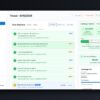
  • A Clean Kanban Board: Work is organized as cards moving across To Do, In Progress, and Done. Cards drag and drop between columns, and the Done column can be hidden to keep the board calm.
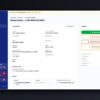
  • An AI Chat Inside Every Task: Each task has its own chat that already knows what the task is. It helps think the work through or break it into steps, and it runs on OpenAI or Anthropic, chosen by the user.
  • Priorities, Checklists, and Filters: Every card carries a priority, and the board filters down to only the high-priority work. A checklist inside each task tracks the steps.
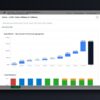
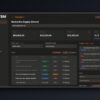
  • A Board for Every Project: One account holds many boards, and a combined view lists the tasks from all of them in a single list.

Why We Built It

“I couldn’t find a task manager that was beautiful, simple, and had real intelligence built in. So I built the one I wanted to use.”

– Michael Trezza, CEO Lithyem
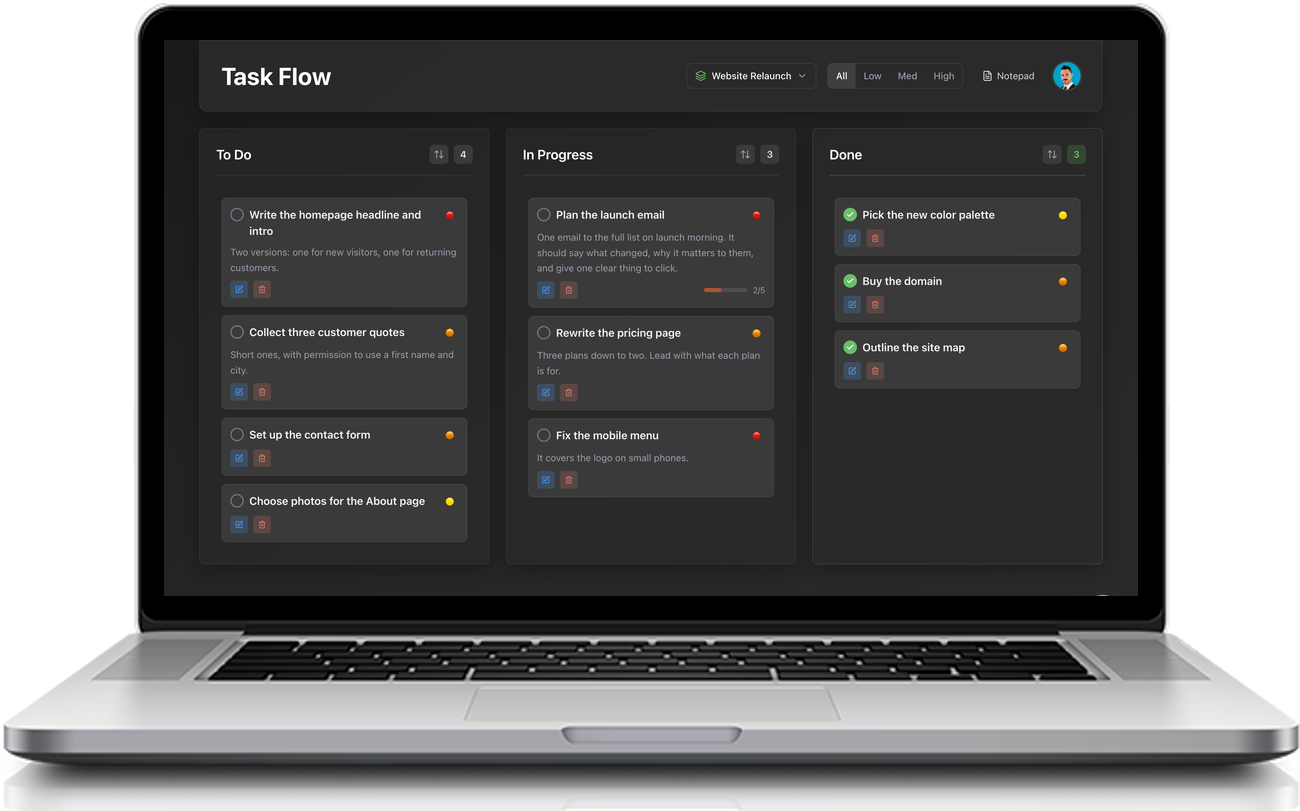
AI-Powered Task Board screenshot
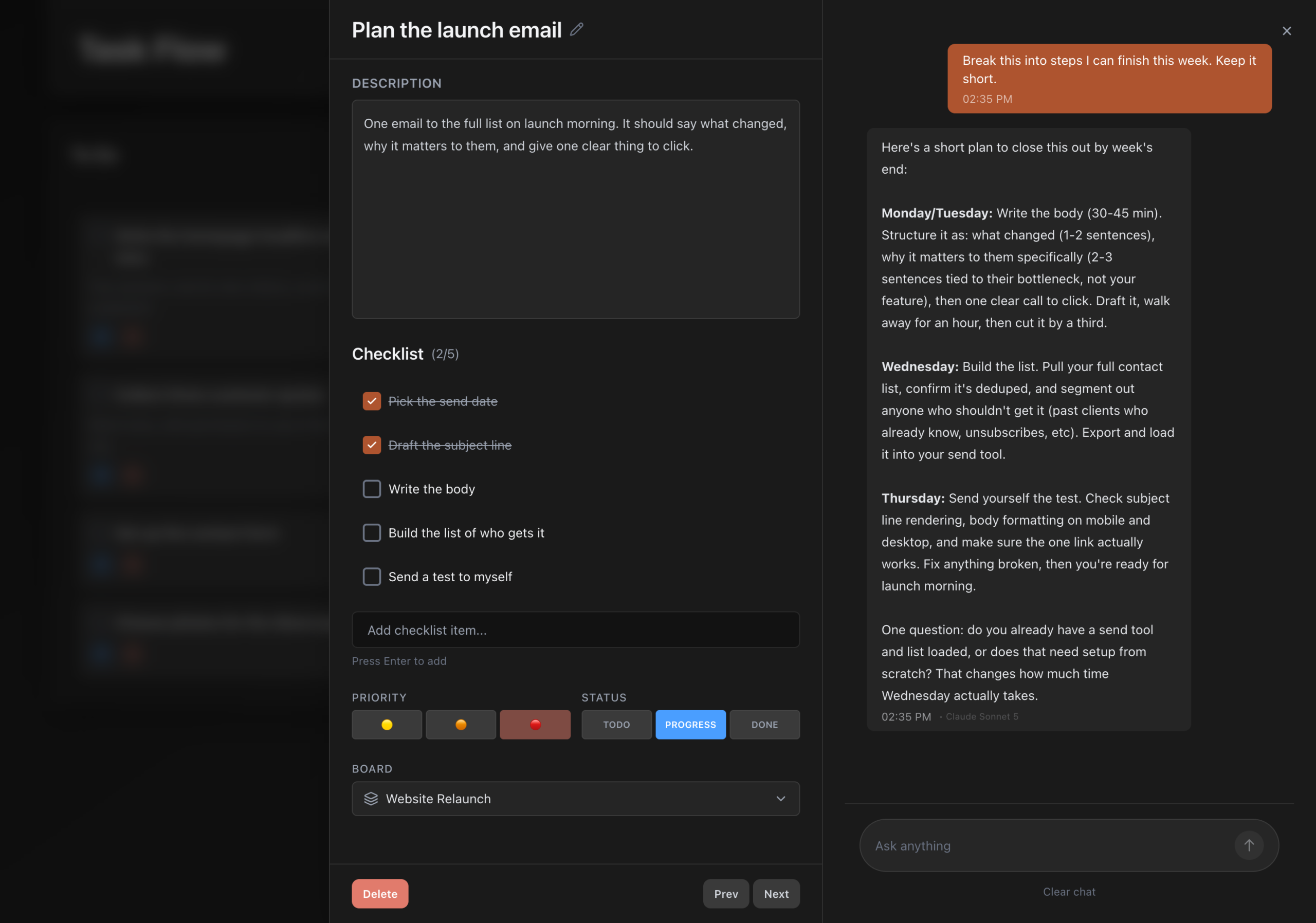
AI-Powered Task Board

1

AI Chat Inside Every Task

→ Each task has its own chat that already knows the work, ready to think it through or break it into steps.

6

AI Models to Choose From

→ Three from OpenAI and three from Anthropic, picked by each user in Settings.

3

Priority Levels on Every Card

→ Low, standard, or high, shown on the card and used to filter the board.

50

Boards Per Account

→ Room for a board for every project, with one combined view across all of them.